
Author : Vivek Vardhan Varanasi & Girish
Re-pair Talend Cloud remote 721 engine, you can navigate to following link
Url : http://localhost:8043/configuration
You should see following screen
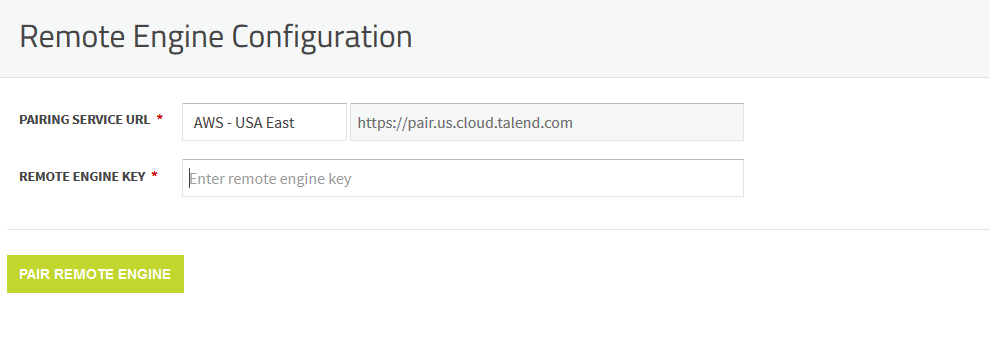
Copy Remote engine key from Talend management console

Paste it above Remote engine key in configuration
Click “PAIR REMOTE ENGINE“
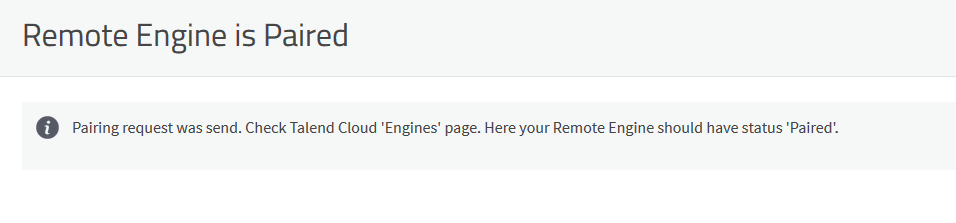
Note : If you are using AWS or AZURE instance you need to do following changes to make it work
edit following file
org.ops4j.pax.web.cfg
Make sure the port 8043 is open in inbound rules


Edit org.ops4j.pax.web.cfg and update org.ops4j.pax.web.listening.addresses to local internal IP address, and open the port 8043.
If your server is already paired , you should see following screen shot

Happy learning!!
 Talend Best Practices